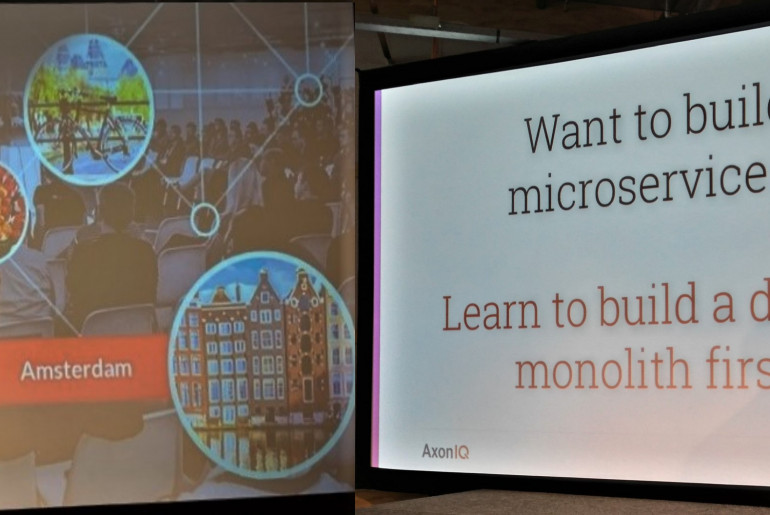
The Framework with the rocketing popularity Now, a few days after the Event-driven Microservices Conference 2019 in Amsterdam it“™s time to share a recap about a great event, organized by the AxonIQ team at the end of September. It was a one-day conference on event sourcing and CQRS patterns…